See what's left until payday.
Most budgets assume one paycheck a month. Yours doesn't. BudgetGem plans every paycheck on its own, so you know what's due before the next one lands and what's left to spend until then.
Made for iPhone. Try free for 7 days, then $59.99 a year or $7.99 a month.
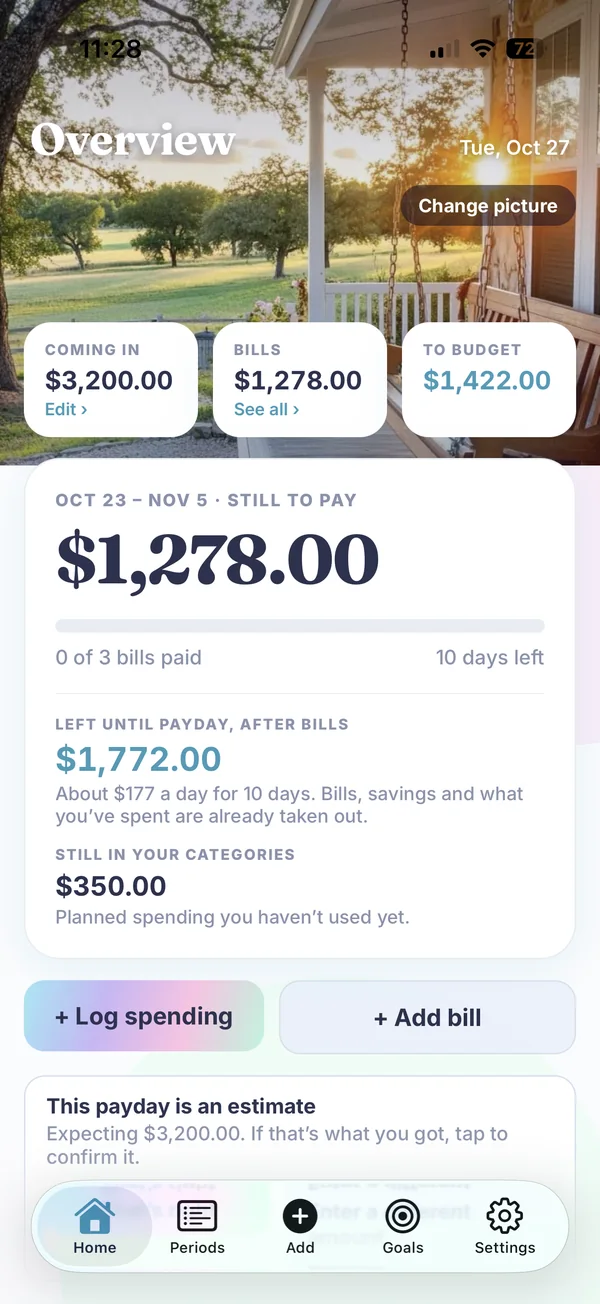
Your bills don't care about the calendar month.
Rent lands before one check, the car payment before the next. BudgetGem puts each bill on the paycheck that comes before it's due, then shows every upcoming payday with what's left to budget on it.
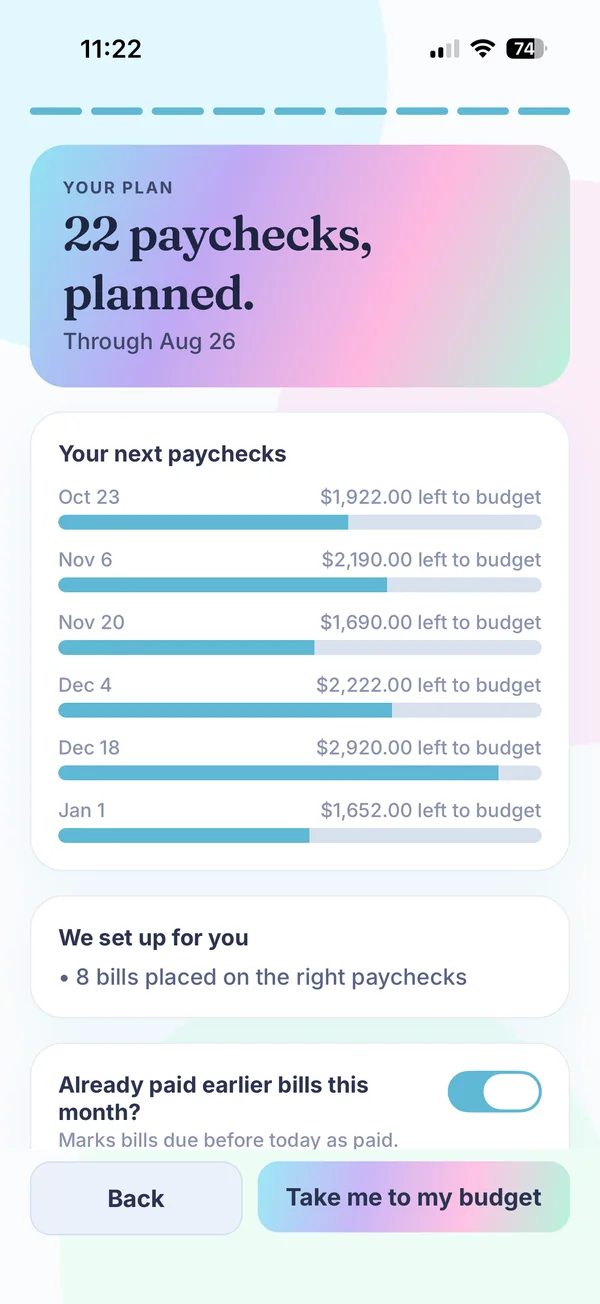
Set up in a few taps.
Tell BudgetGem how you're paid, when your next payday is and about how much each check is. A rough number is fine, and you can change any of it later.
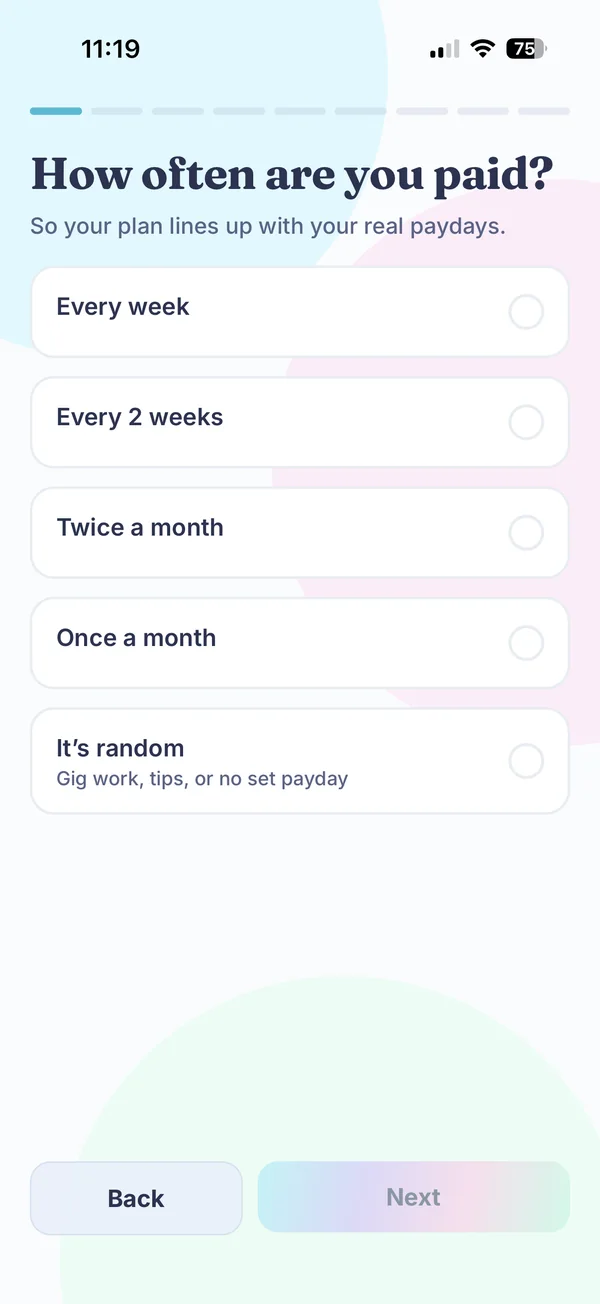
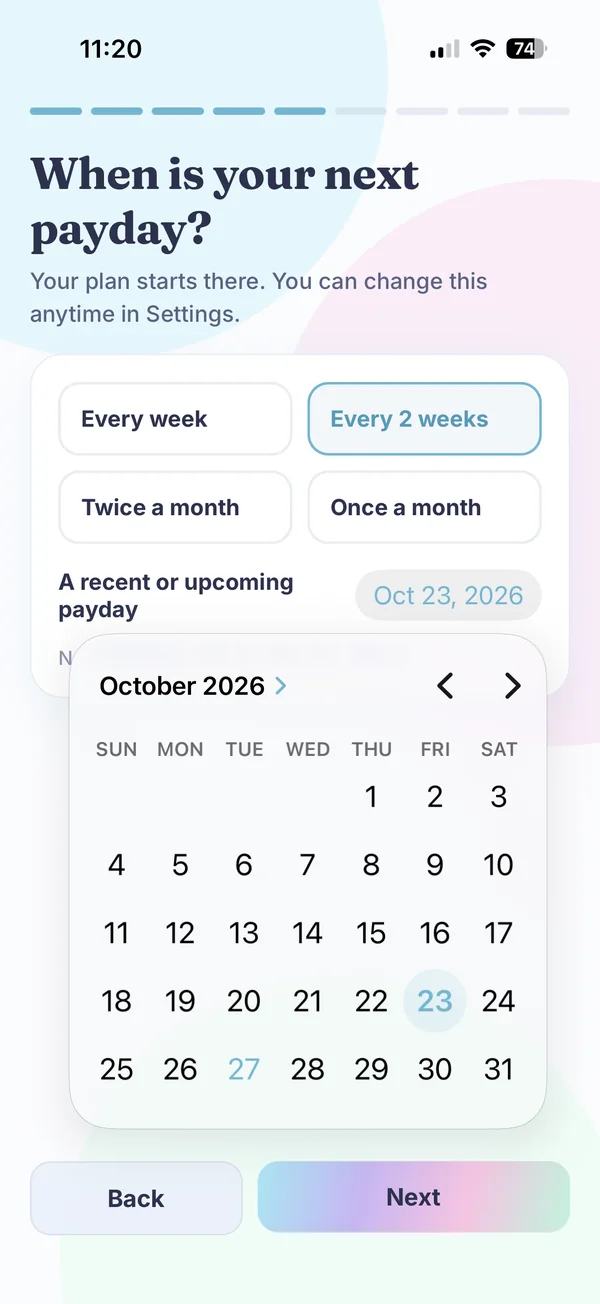
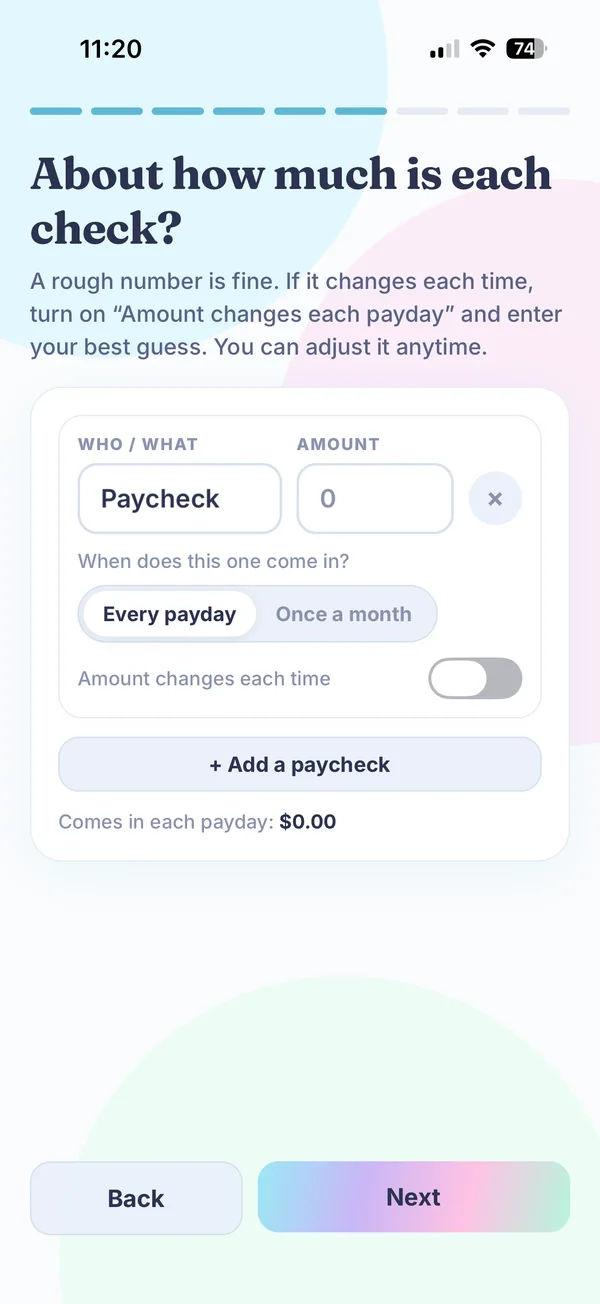
Everything you need to plan a paycheck.
Paid every week, every two weeks, twice a month, once a month or on no schedule at all? BudgetGem works for all of it.
Left until payday
One number on Home. It's what remains after your bills, your emergency fund, money you set aside and what you've already spent. Check it before you swipe.
Plan each paycheck
Give every dollar a job. Bills go on the paycheck that comes before they're due. If a check can't cover its plan, BudgetGem tells you by how much.
Bill timeline
See which bills land before your next check and which wait for the one after, with each payday marked.
Should I buy it?
See what a purchase costs in hours of work, let it sit on a wish list, and decide when the wait is over. No lectures.
Debt-free date
Add your debts and see an estimated debt-free date. Try paying a little extra each paycheck and watch the date move.
Emergency fund
Set a goal, track your progress and keep a picture of what you're working toward right on your Home screen.
Your data stays yours
You type your numbers in yourself. BudgetGem never connects to your bank and never sells your data. Your budget saves to your account automatically, and you can keep your own backup file in Files, iCloud Drive or email.
What does it cost in hours of work?
Try a price you've been thinking about. The numbers stay in your browser.
Calm and clean, or a little fun.
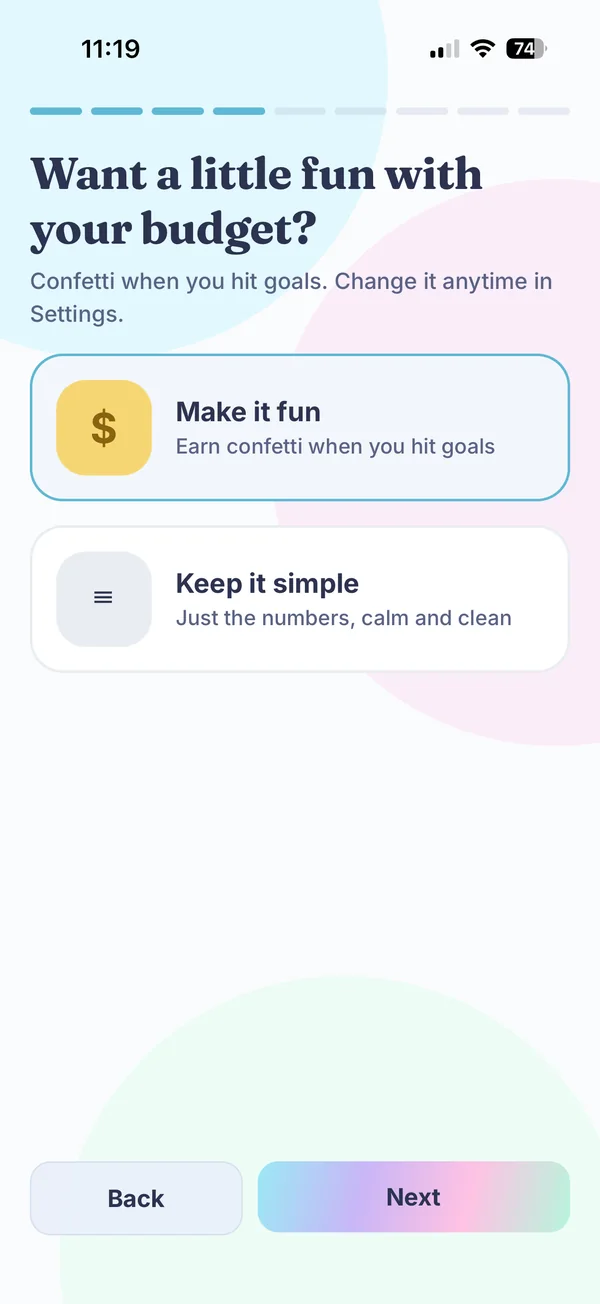
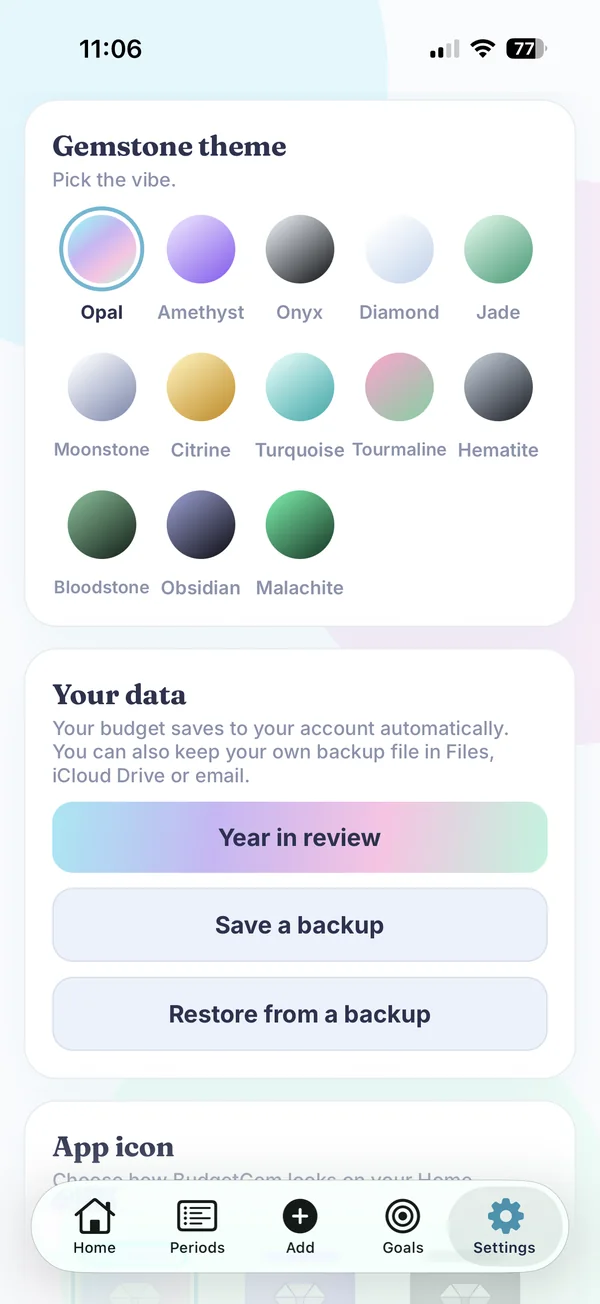
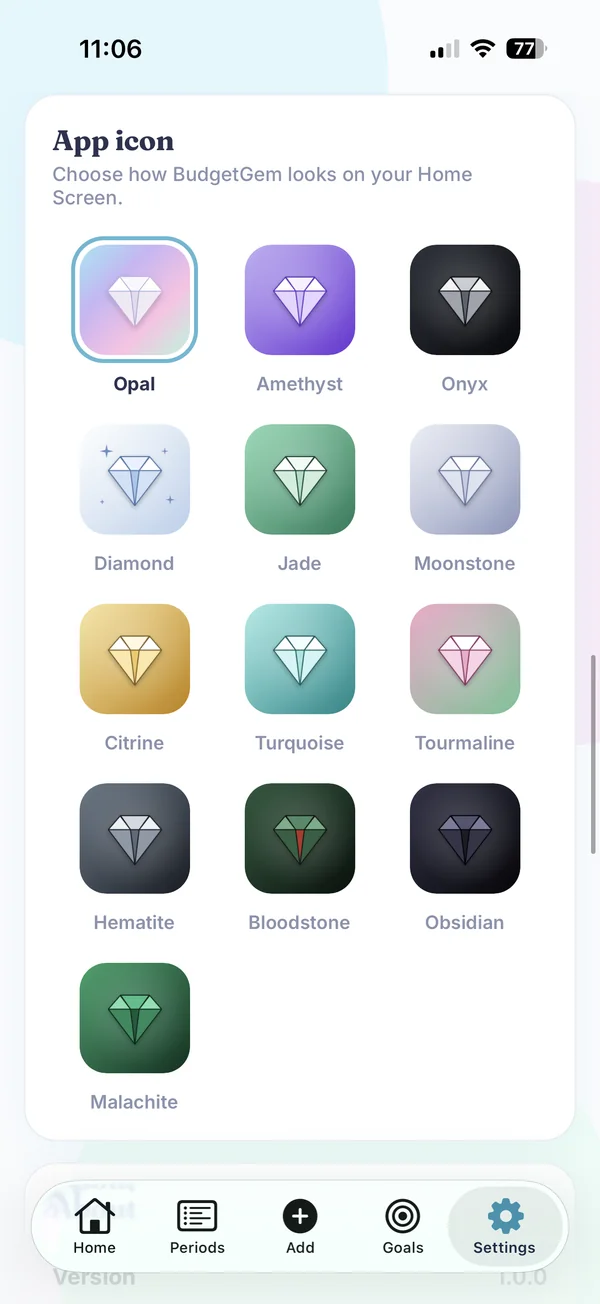
Choose confetti when you hit goals or keep it to just the numbers, then pick a gemstone theme and a matching app icon. Change any of it anytime in Settings.
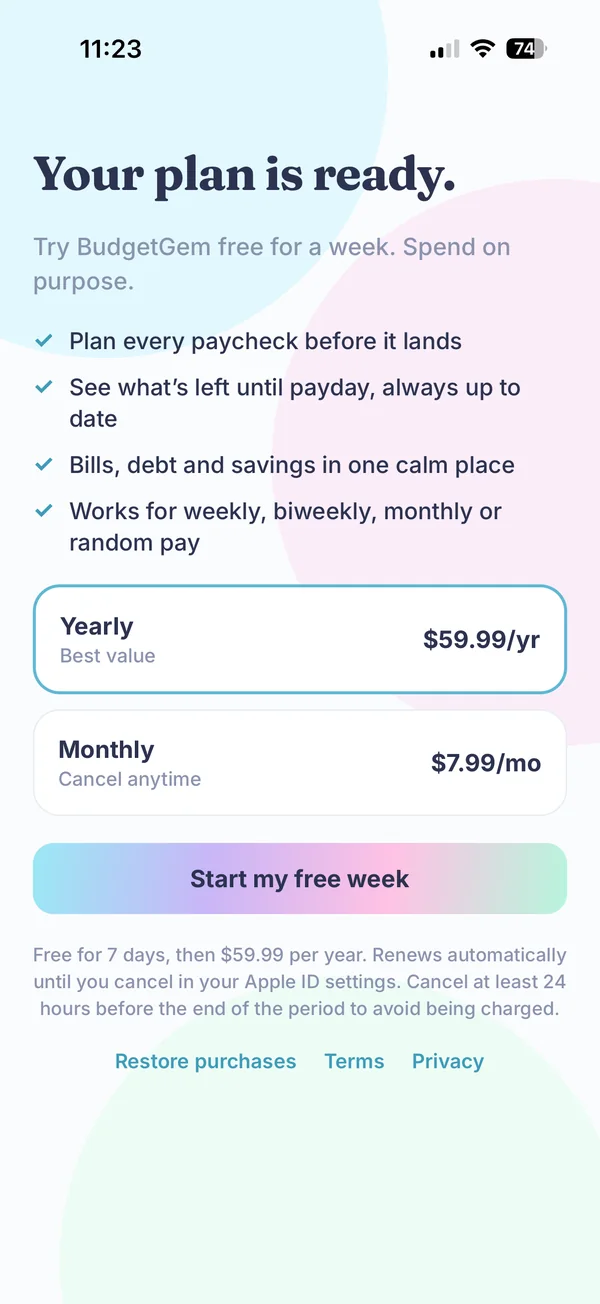
Try it free for 7 days.
Build your plan, add your bills and see your own numbers before you pay anything. Then keep going on the plan that fits.
About $5 a month, and about 37% less than paying monthly for a year. 7 days free first.
Month to month. Cancel anytime. 7 days free first.
Payment is charged to your Apple ID account at confirmation of purchase after the trial. Your subscription renews automatically unless you cancel at least 24 hours before the end of the current period. You can manage or cancel anytime in your Apple ID settings. Any unused part of a free trial is forfeited when you buy a subscription.
Built for how a family actually gets paid.
Our money comes in every other week, and the bills don't care about the calendar. Rent landed before one check, the car payment before the next, and I could never tell what I had left to spend until payday.
I wanted something simple: show me what's due before my next paycheck and what's left to spend, then plan the checks after that too. So I built it for us first. Now I run our family's budget through it every payday.
Sam, who built BudgetGem
Before you start.
Does BudgetGem connect to my bank?
No. You type your numbers in yourself. BudgetGem never connects to your bank and never sells your data.
What if my pay changes or comes on odd dates?
BudgetGem works for weekly, every-two-weeks, twice-a-month and once-a-month pay, and for no set schedule. Add each paycheck the way it really arrives and it lands in the right pay period.
How does the 7-day trial work?
You start with 7 days free. After that it's $59.99 a year or $7.99 a month, charged to your Apple ID. Cancel at least 24 hours before the trial ends and you won't be charged. You can manage or cancel anytime in your Apple ID settings.
Is this financial advice?
No. BudgetGem is a planning tool. Debt-free dates are estimates based on what you enter.
Which phones does it run on?
BudgetGem is made for iPhone.
Give every paycheck a plan.
Know what's due before your next payday and what's left to spend until then. Try BudgetGem free for 7 days.
Coming soon to the App Store